React Hooks Explained: useState and useEffect With Real Website Examples
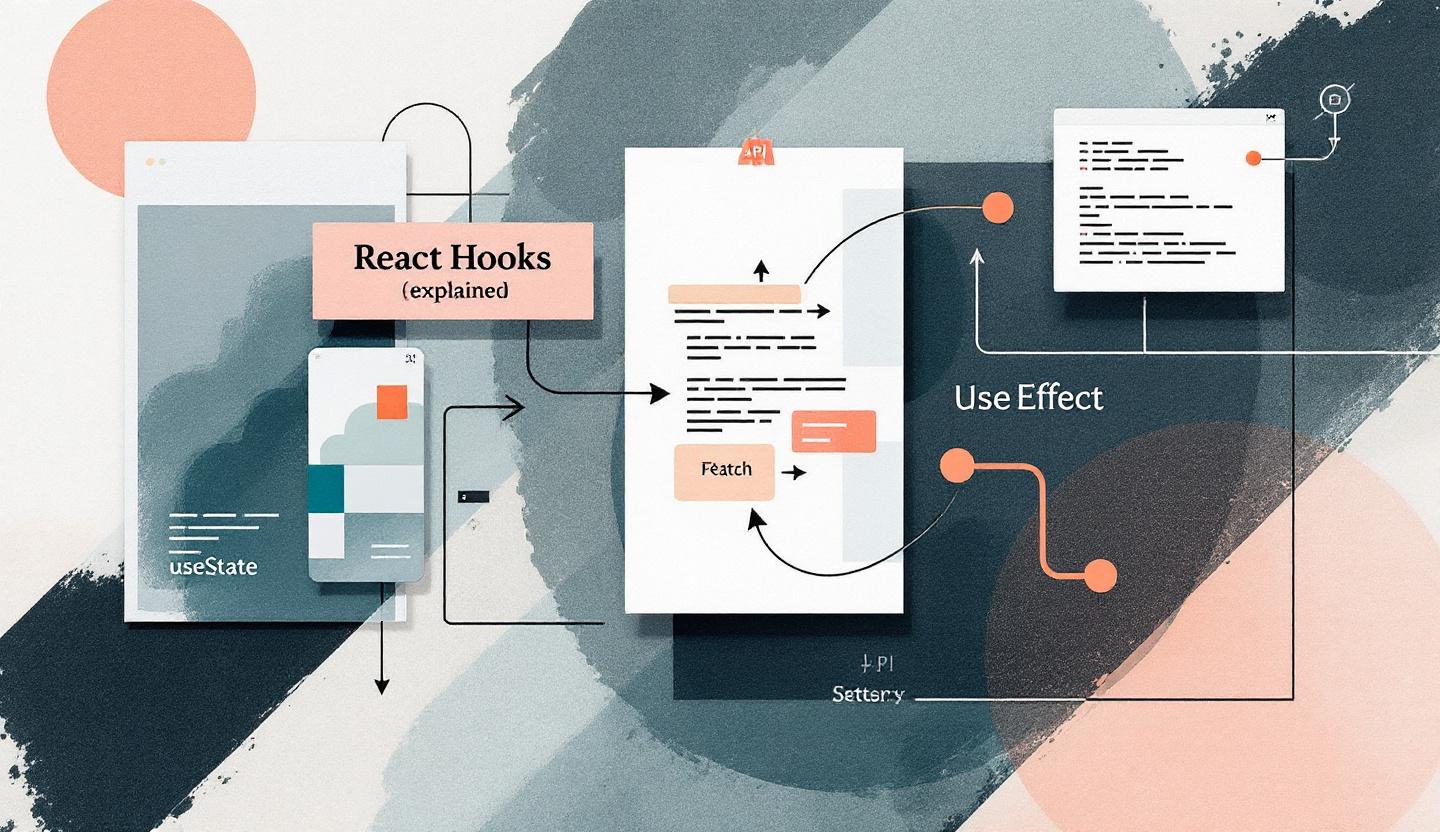
Why modern websites need React Hooks — fast and friendly UI
If your business wants a website that feels modern, loads fast, and helps convert visitors into leads, the way your site manages UI and data matters. React Hooks — especially useState and useEffect — let developers build interactive pages (forms, blog lists, dashboards) that are easier to maintain and perform better on the web.
This short guide explains those two hooks in plain English, shows practical patterns for real websites, and gives a checklist you can share with your dev team or agency.
What useState does (in plain terms)
useState is how a function component keeps track of changing values — think form inputs, toggles, or counters. It gives you a value and a setter that tells React: “this changed, re-render the UI.”
Why that matters for your site: - Keeps form fields in sync so users don’t lose typing. - Lets UI elements (like mobile menus or favorite buttons) respond instantly. - Helps ensure consistent state that’s easy to test and debug.
Simple rules to share with your developer: - Treat state as immutable: create new objects or arrays when you update. - Use multiple small state hooks for independent values. - Use functional updates (setState(prev => ...)) when the new value depends on the old one.
What useEffect does (without the jargon)
useEffect runs side work after React updates the page. That includes fetching data from your CMS, subscribing to push updates, starting/stopping timers, or integrating a third-party widget.
Practical examples: - Fetch a list of blog posts after the page mounts. - Start a live chat connection when a user opens a support widget. - Clean up a timer or cancel a network request when the user navigates away.
Good effect habits: - Keep each effect focused (one job per effect). - Always add cleanup (unsubscribe, abort fetch) to avoid memory leaks. - List dependencies so effects run only when needed.
Real website examples: blog list and signup form
Example 1 — Blog list (why it matters for lead generation) A blog list that loads posts with useEffect and shows a loading or error state keeps visitors informed and reduces bounce. It also avoids showing stale data if the user quickly changes filters. For scalable projects, teams use an AbortController or libraries like SWR/React Query to handle cancellation and caching.
Example 2 — Signup form (converting visitors) useState for each input or a single form object keeps the UX snappy. Add debounced validation with useEffect so you don’t spam API checks while a user types. When fields validate smoothly, form abandonment drops and conversion climbs.
If you want to see a hands-on write-up of these patterns, check the full article we worked from: https://prateeksha.com/blog/react-hooks-explained-usestate-and-useeffect-with-real-website-examples?utm_source=blogger
Quick checklist for developers and marketers
Share this with your team before building or auditing features:
- Use explicit loading and error UI for all async network calls.
- Cancel or ignore in-flight requests when components unmount (AbortController or axios cancellation).
- Keep effects small: one effect for fetching, one for subscriptions, etc.
- Include all external values in effect dependencies or memoize them (useCallback/useMemo).
- Avoid mutating state directly — always return new objects/arrays.
- Profile before adding memoization (React Profiler).
Common performance and SEO benefits
When hooks are used correctly, pages: - Render only what’s necessary, reducing CPU work on mobile. - Avoid visual flicker and layout shifts by managing loading state. - Let you fetch only the data you need, improving time-to-interactive and perceived speed — important ranking signals for search engines.
If you’re evaluating a partner or agency, ask how they handle client-side fetching, cancellation, and form UX — these are small technical choices that affect conversions.
Want help turning this into leads and speed?
If you’d like a review of your current site or help implementing these patterns, we can help with strategy and execution. See our services and articles for more practical examples: https://prateeksha.com?utm_source=blogger and https://prateeksha.com/blog?utm_source=blogger
Conclusion — take one small action this week
Pick one interactive piece of your site (a signup form or blog feed) and ask your developer to: add explicit loading states, cancel in-progress requests, and run a simple profiler check. Those three changes often win measurable improvements in speed and conversions. If you want us to look over it, contact us and we’ll recommend the next steps.


Comments