How Many Shopify Stores Can I Have? A Practical Guide for Founders and Marketers
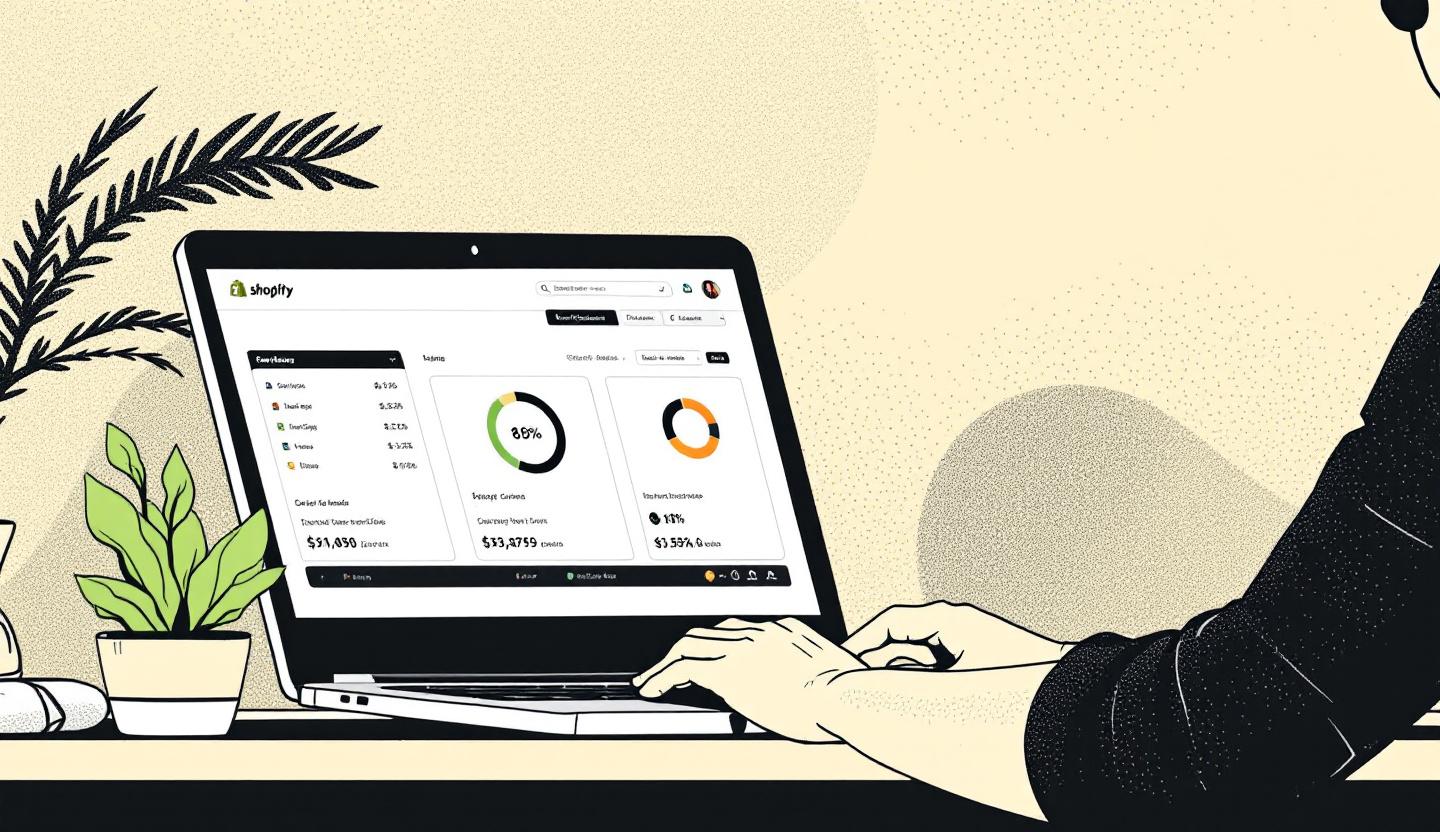
If you're running multiple brands or targeting different markets, you may be wondering: how many Shopify stores can I have? The short answer: there’s no hard limit — but each store is its own subscription, email, and admin. That setup has implications for cost, operations, and growth.
In this post you’ll learn the practical steps to create additional Shopify stores, what to watch for operationally, cost and legal considerations, and smarter alternatives that can save time and money.
The core facts — what Shopify allows (and what it doesn’t)
Shopify does not restrict the number of stores you can create. However, every store must: - Use a unique email address for registration. - Have its own Shopify subscription plan and billing. - Be managed through a separate admin (separate login sessions).
That means opening many stores is possible, but you’ll manage each store independently — inventory, themes, apps, orders, and billing are per-store unless you add third-party tools or move to enterprise plans.
When multiple stores make sense
Running more than one Shopify store is common and useful when: - You sell very different brands or product lines that need distinct customer experiences. - You target separate international markets and want localized stores (different domains, languages, or product assortments). - You need separate B2B and B2C storefronts with different pricing, login flows, or checkout rules. - You want isolated testing environments (e.g., staging vs. live) beyond Shopify’s theme preview tools.
If your goal is simply multiple languages or currencies, consider alternatives (below) before opening a new store.
Step-by-step: How to add another Shopify store
- Sign out of your current Shopify admin to avoid mixing sessions.
- Visit Shopify’s sign-up and create a new account with a different email address.
- Choose a subscription: start with a free trial or pick a paid plan.
- Set up your new store: theme, products, payments, taxes, and shipping rules.
- Repeat the process for each additional store.
Tips while setting up: - Use consistent naming conventions for stores and domains. - Document shared suppliers, SKUs, and pricing to avoid confusion.
Practical management tips for multiple stores
Managing several storefronts gets complex quickly. These tactics reduce friction: - Use separate browser profiles or browsers to stay logged into multiple admins. - Centralize accounting and bookkeeping outside Shopify (e.g., cloud accounting) to consolidate financials. - Choose inventory-sync tools if you need one stock pool across stores. - Use a shared asset library (product images, descriptions) to speed setup. - Regularly backup important data (export CSVs for products, customers, orders).
Useful apps and approaches: - Inventory sync apps for multi-store stock visibility. - Order management platforms that integrate multiple Shopify stores. - Single sign-on or team management tools for store collaborators.
Costs, legal, and tax considerations
Each store introduces additional recurring fees and potential complexity for taxes and payments: - Expect an independent monthly subscription for every new store. - Payment processors, merchant accounts, and tax registrations may require separate or consolidated setups depending on your legal structure and location. - If you use the same business name or tax ID across stores, check local rules and Shopify’s terms to ensure compliance.
Alternatives to opening separate stores
Before you spin up new storefronts, consider these options: - Shopify Markets for multiple regions, currencies, and localized experiences without separate stores. - Multi-language apps to serve different languages from one store. - Shopify’s Pause and Build plan if you need to pause sales while preparing changes. - Shopify Plus for enterprise organizations: it provides organization-level administration and multi-store tooling (but is a higher-cost solution).
If you want a detailed comparison and deeper walkthrough, read the full breakdown at https://prateeksha.com/blog/how-many-shopify-stores-can-i-have or visit the resource hub at https://prateeksha.com/blog for related guides and case studies.
Quick checklist before you launch another store
- Do you need a completely different brand experience?
- Can language, currency, or market settings in one store solve the problem?
- Have you set up unique email and billing for the new store?
- Do you have tools for inventory, accounting, and order consolidation?
- Are you compliant with local tax and payment regulations?
Conclusion — choose simplicity, then scale
Multiple Shopify stores give you flexibility, but they also multiply operational overhead and costs. Start by asking whether you truly need separate storefronts or if Shopify Markets, multi-language support, or app-based solutions will suffice. If you decide to launch additional stores, plan your naming, inventory flows, and finance systems first to avoid expensive fixes later.
Want help deciding the best approach for your business? Check practical guides at https://prateeksha.com and the blog at https://prateeksha.com/blog, or read the full guide specifically on this topic at https://prateeksha.com/blog/how-many-shopify-stores-can-i-have. If you’re ready to scale cleanly, consider contacting a Shopify consultant to audit your setup and recommend the most efficient path forward.


Comments