Build a Podcast Production Pipeline with ElevenLabs, Audacity, and Descript
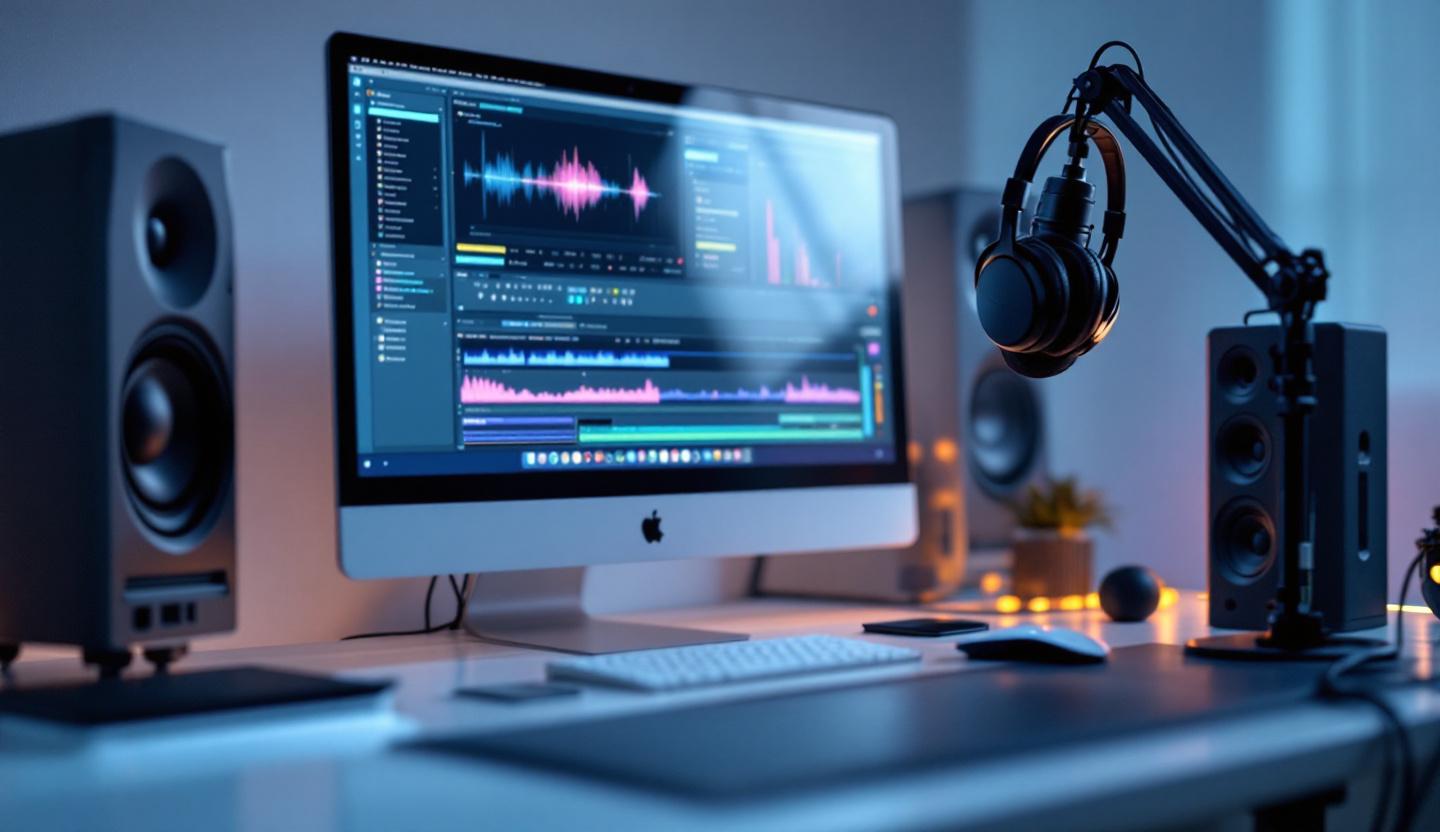
If your team wants a professional-sounding podcast without spending hours on repetitive edits, the right production pipeline changes everything. This guide shows a compact, practical workflow using ElevenLabs (AI voices), Audacity (detailed audio editing), and Descript (transcript-driven editing) so you can publish faster and sound better.
What you'll learn: a clear step-by-step pipeline, why each tool matters, quick automation tips, and a short checklist to implement immediately.
Why a podcast production pipeline matters
Most episodes take 4–8 hours to produce when you include planning, recording, editing, and publishing. For busy founders and marketers, that’s time away from strategy and growth.
A repeatable pipeline: - Reduces editing time and mistakes - Keeps episode quality consistent - Makes delegation and scaling simple
This guide focuses on practical choices that non-audio-experts can implement quickly.
The three tools and what they do
- ElevenLabs — AI voice generation and cloning. Use it for intros, ads, or re-recording small script changes without a studio session.
- Audacity — Free, open-source audio editor for precise noise reduction, EQ, and final mastering.
- Descript — Transcription-first editor that lets you edit audio by editing text; includes Overdub for small voice fixes and easy collaboration.
Each tool plays a specific role: ElevenLabs for repeatable voice content, Audacity for technical cleanup and mastering, and Descript for fast edits and team feedback.
Step-by-step production pipeline
- Plan and script
- Define episode goals, segments, and any scripted copy (intros, CTAs, ad reads).
-
Flag parts suitable for AI voice to save recording time.
-
Record
- Record interviews and live segments with your usual mic and DAW or remote tools like Riverside.
-
Generate AI voice segments in ElevenLabs for intros, outros, or ads if you prefer consistent delivery.
-
Initial edit in Audacity
- Import raw and AI audio into Audacity.
- Trim silences, remove clicks, apply noise reduction, and use EQ/compression presets.
-
Export a clean mix.
-
Refine in Descript
- Import the cleaned audio into Descript for automated transcription.
- Edit content by editing text — remove filler words, reorder sections, and tighten pacing.
-
Use Overdub to fix one-off lines without re-recording, then export a revised audio file.
-
Final mix and publish
- Do a final pass in Audacity for mastering: level normalization, final EQ, and export to MP3 or WAV.
- Upload to your host, add show notes (exported from Descript transcript helps), and schedule distribution.
Quick automation and collaboration tips
- Batch tasks: record multiple episodes in one session and batch-process them in Audacity or ElevenLabs.
- Templates: save Audacity presets for noise reduction, compression, and loudness targets.
- Zapier: automate post-publish actions like social posts or email updates.
- Use Descript’s comments and version history to get stakeholder sign-off without back-and-forth attachments.
Common caveat: automation speeds things up but always do a human review—AI can mispronounce names or mishandle context.
Practical checklist for your first episode using this pipeline
- [ ] Script intro, outro, and ad reads; mark AI segments.
- [ ] Record interviews and local audio in a quiet space.
- [ ] Generate AI voice clips in ElevenLabs and timestamp them.
- [ ] Clean tracks in Audacity and export a master.
- [ ] Import to Descript, edit by transcript, apply Overdub if needed.
- [ ] Final master in Audacity; export and upload to host.
- [ ] Create social audiograms from Descript for promotion.
Examples and where to learn more
This workflow works well for solo podcasters, small teams, and marketers repurposing written content into audio. If you want examples or a setup checklist tailored to your business, visit https://prateeksha.com for services and case studies. Our blog also has posts on improving content workflows at https://prateeksha.com/blog, and the full breakdown of this pipeline is available at https://prateeksha.com/blog/podcast-production-pipeline-elevenlabs-audacity-descript.
Conclusion — make podcasting predictable and scalable
A clear pipeline using ElevenLabs, Audacity, and Descript cuts wasted time and helps you publish consistent, high-quality episodes. Start by scripting the repeatable parts (intros/ads), then test a single episode end-to-end to refine your presets.
If you’d rather have an expert set up the pipeline and automation for you, check https://prateeksha.com or browse our blog for guides and services. Get your podcast working for your brand—without adding more to your already busy schedule.


Comments